Getting Started
Login
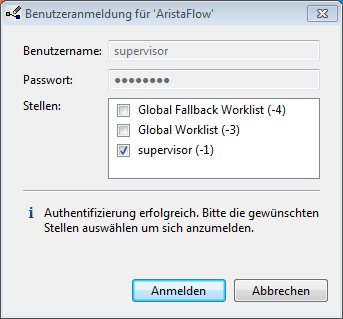
Before we can run our new process we first have to model it. For that we open the Process Template Editor (PTE), which you can usually find under programs -> AristaFlow BPM Suite in the start menu or directly in the installation folder. Because we have installed the complete suite for demonstration purposes we can log in with user “supervisor” and password “password”. Then we should see the Process Template Editor, which is described in more detail in the tools chapter above.