Process Server
The server is the main component of the suite. It manages the running process instances, the runnable process schemas, the Activity Repository and the organisational model. It works with a relational database internally, which has to have a JDBC interface. The server is based on an extendable architecture with focus on scalability, performance and maintainability.
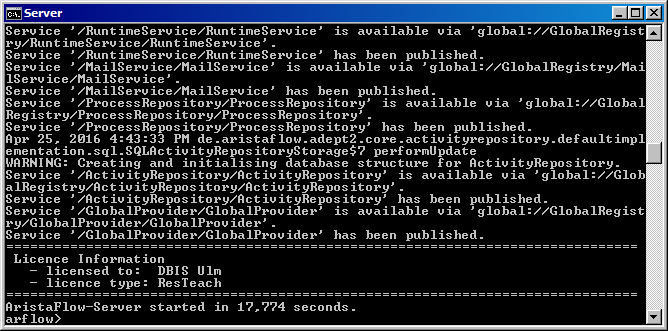
If you checked the option “install as service” at the installation of AristaFlow you will be able to start the server explicitly by a batch file, like you see in the figure below. If not the server will start automatically and you just have to log into your tools (PTE, ARE, …). However, if you have the command line opened you can access the server which you couldn’t otherwise. This comes handy when playing around with own, developed applications.